10 Best Free Firewall Software Picks For PC Security In 2025
Online threats are becoming alarming, therefore you need a good firewall to protect your computer. Among all security tools these firewalls give strong protection without costing anything. They work well with Windows and other systems, stop hackers and are easy to use.
1. Norton 360 Firewall
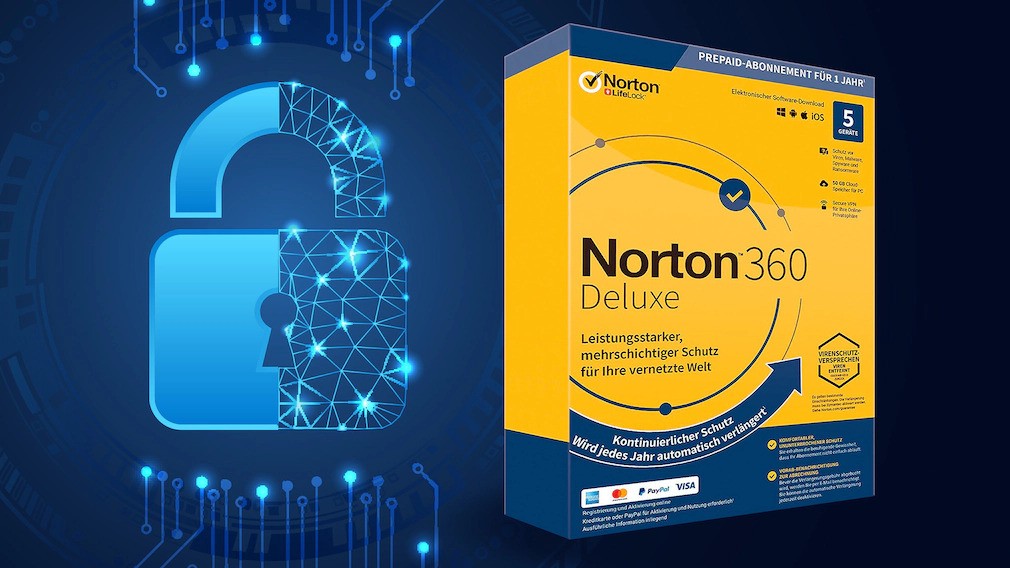
Norton 360 has a Smart Firewall that blocks more online threats than Windows Defender and other options. It stops unauthorized access, port scans and network attacks completely.
You get simple controls to manage apps and set rules, even for Windows features like file sharing. The interface is clear, so changing settings is easy. Plus, the default setup already gives strong protection.
Norton is a full security package. You get constant malware scanning, web protection, scam alerts for texts and sites, a fast unlimited VPN, dark web checks, parental tools, and cloud storage.
2. Windows Defender Firewall
Windows comes with its own firewall that is built right into the system. It quietly watches your network traffic, blocking suspicious connections without slowing down older computers. It's easy to set up, you only need to adjust app permissions in Windows Security.
While it works well with antivirus software, it doesn't catch as many threats as Norton. For basic protection, especially on older PCs, it's a reliable free choice. Updates happen automatically to handle new risks.
3. Zone Alarm Free Firewall

ZoneAlarm Free Firewall spots strange app behavior on your computer. Made by Check Point, it blocks hackers and stops them from stealing your information. The new version finds threats faster using cloud scanning.
You control security easily with simple sliders, choose low, medium or high protection. It keeps your computer hidden from hackers checking for open ports, which is great when using public Wi-Fi. It updates regularly to fix security holes and runs quietly on Windows 10 and 11 without slowing things down.
4. Comodo Firewall

Comodo Firewall blocks unknown files by default, running them safely in a separate space first. It mixes firewall and antivirus tools for strong defense. Its updated system knows the best way to fight ransomware.
Before apps get online access, Comodo checks how trustworthy they are. You can set your own rules to control exactly what traffic is allowed.
The free version works forever with no ads or interruptions. Active user forums help solve problems quickly, making it a solid pick for people who like detailed security control.
5. TinyWall
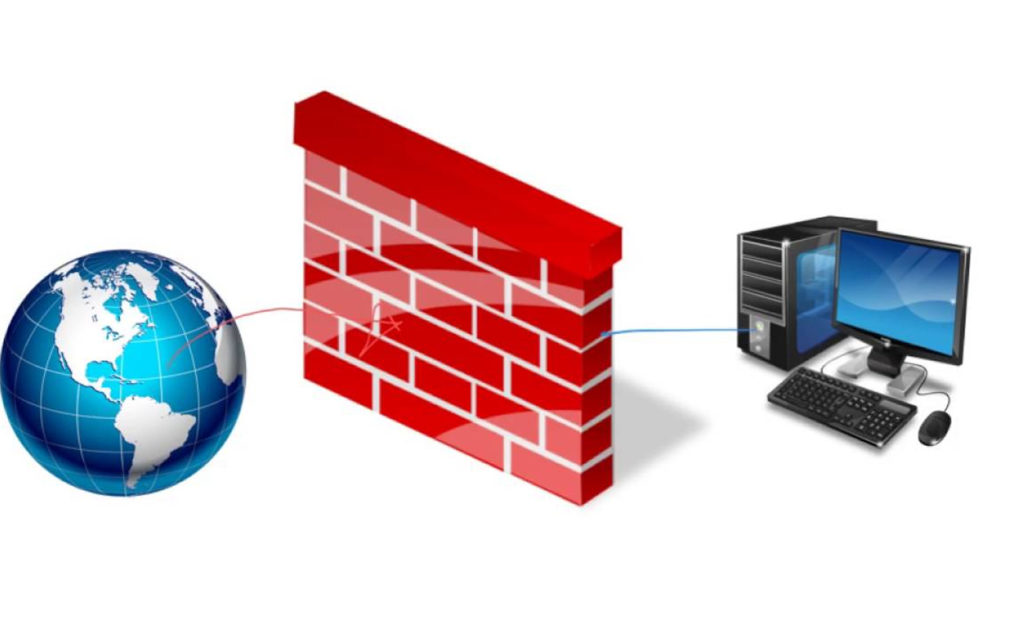
TinyWall makes Windows’ built-in firewall simpler to use with a clean, lightweight tool. It works silently in the background without annoying pop-ups and learns your usual apps so it doesn’t interrupt you. The latest update works smoothly with Windows 11.
Add trusted apps to your safe list immediately using keyboard shortcuts. It uses almost no computer power, so it’s perfect for older machines. There’s no extra junk software, just a clean install.
Also C heck Out: Software For Small Businesses To Increase Efficiency
6. NetBarrier Intego
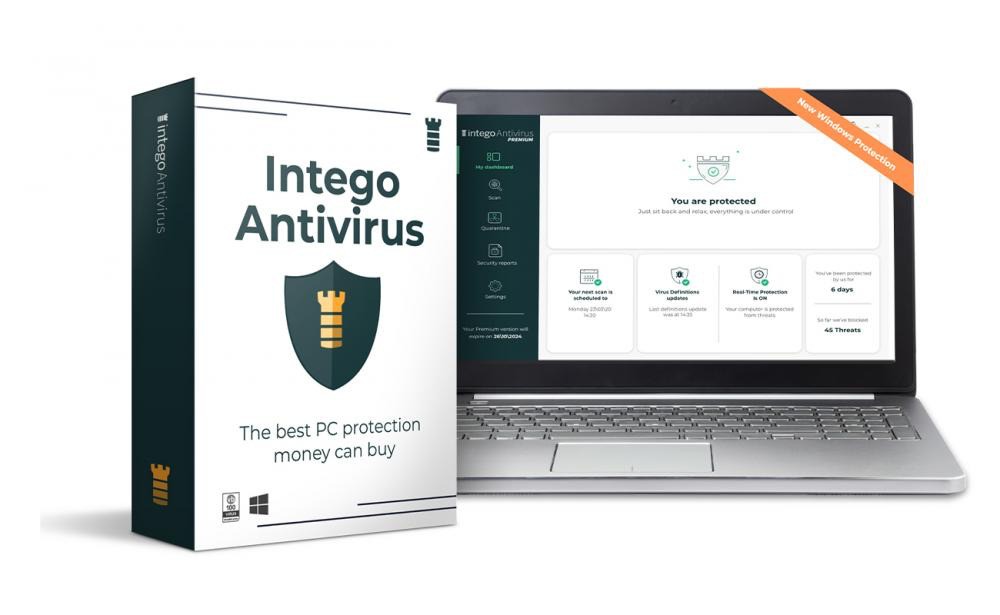
Intego remains the best antivirus for Mac and its built-in firewall adds serious protection beyond Apple’s basic tools. It catches malware reliably and keeps a close eye on your network.
The firewall, NetBarrier, works right away without fuss. It automatically adjusts but also lets you tweak settings if you like. You’ll see alerts whenever apps try to go online, this helps spot sneaky spyware early.
For anyone who streams, games, or just enjoys safe browsing, how to unleash your inner strategist in online entertainmentstarts with solid tools like this. Beginners get peace of mind, while experienced users can fine-tune things their way.
7. GlassWire Free

Shows your network activity with clear graphs so you can see strange behavior. It alerts you to apps eating up data or possible spyware. The free version blocks unwanted connections and gives you usage reports. It’s great for checking data use on limited plans and has a clean look.
8. Evorim Free Firewall
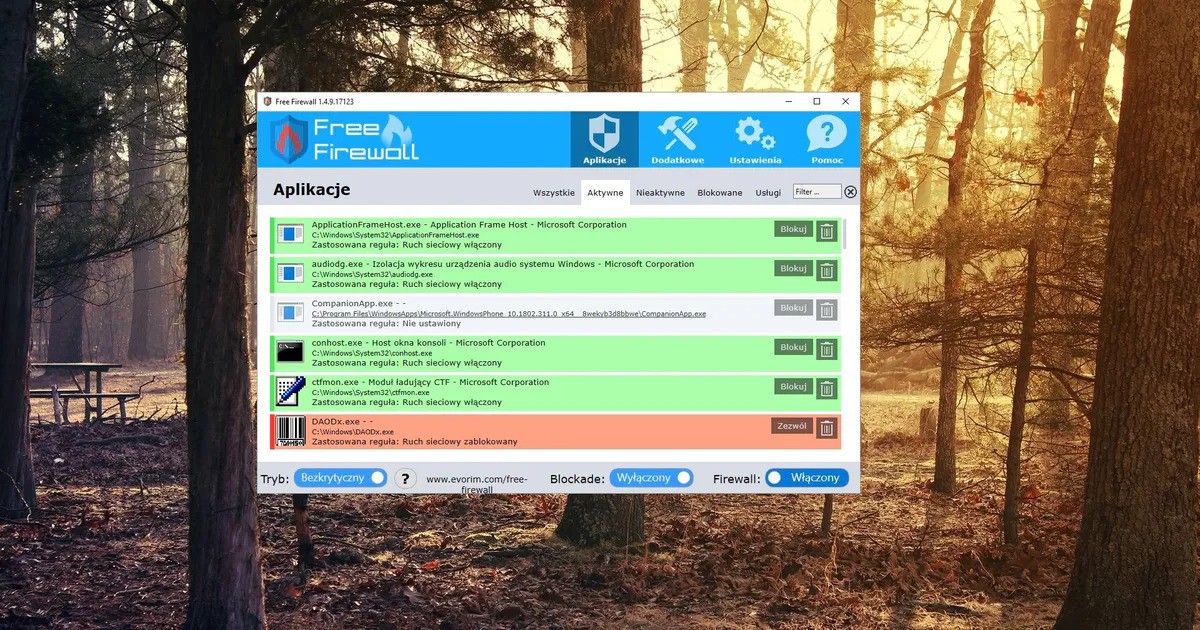
It lets you control internet access for each app individually. Its extra-strict setting finds hidden malware connections and blocks botnets. The dark mode interface is easy on the eyes and you can group rules to stay organized. It runs quietly without ads or constant upgrade prompts and works on Windows 7 through 11.
9. SimpleWall
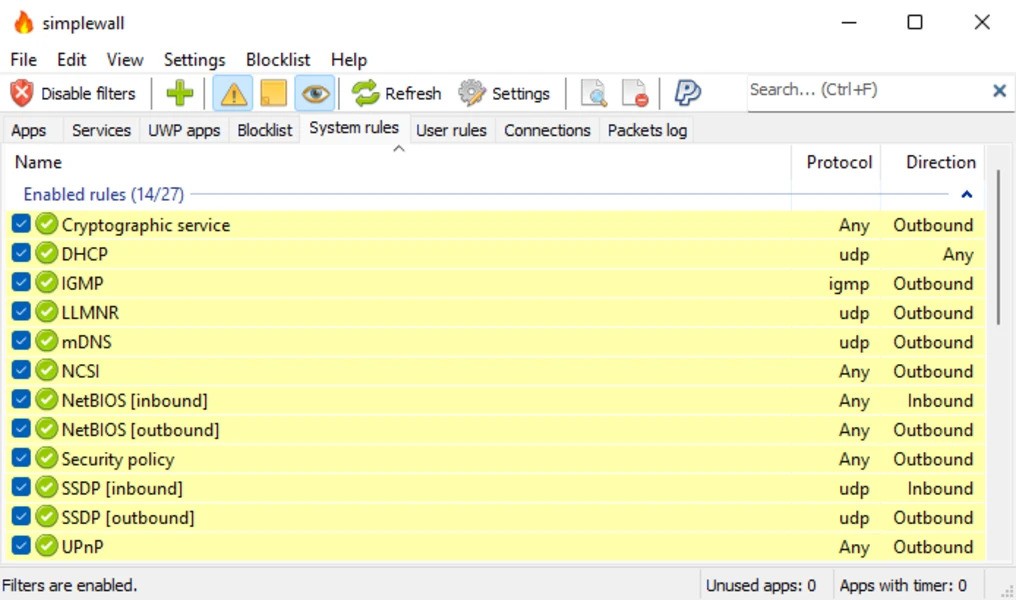
This is a lightweight, free open-source firewall that gives precise control over traffic. Create rules based on IP, port or protocol. The updated 2025 version handles modern threats better. Use the portable version straight from a USB drive. Set alerts to avoid overload and it supports the latest IPv6 networks.
10. Portmaster

Portmaster is a firewall for your whole computer. It stops ads and trackers across all your apps and websites, not just your browser. It keeps you private by using secure DNS lookups.
The free version from Safing gives you the necessary firewall protection. You can add extra features later if you want and see where your internet connections go on a simple world map.
It works on Windows, Mac or Linux computers. Stays up to date automatically without slowing your machine down. It is great for people who care about privacy and want solid PC protection.
FAQs About Free Firewall Software
What's The Best Free Firewall For Windows Right Now?
ZoneAlarm Free Firewall is a top pick for Windows. It does a lot, is easy to use, and works well with your antivirus.
Is Windows' Own Firewall Good Enough For Home Use?
Windows Firewall keeps most home users safe from basic online threats. It works fine with your antivirus and stops hackers trying to get in.
How Are Free Firewalls Different From Paid Ones?
Free firewalls block threats and watch your network, everything most people need. Paid versions add extras like VPNs or parental controls.
Will A Free Firewall Slow My Computer Down?
Good free firewalls like TinyWall use very little power. Older computers might feel a tiny bit slower only during deep scans.
Are Open-source Firewalls Safe For My Personal Computer?
Ones like SimpleWall are safe. Because anyone can check the code, bugs get fixed fast.
Do I Still Need A Firewall If I Have Antivirus?
Antivirus catches viruses, but a firewall stops strangers from accessing your computer online. They work together to cover more threats.
Final Thoughts
Good free firewall options are out there to protect your computer. Windows has its own built-in protection and tools like ZoneAlarm offer solid help too. They show you don't need a paid plan for real security.
Online dangers change all the time, so the most important thing is to keep your firewall updated and practice safe habits online. Find one that works well with your computer. Once you do, you can relax knowing your PC is protected.
You Might Also Like: Top Antivirus Software For Personal Use